
To Update Maintenance Licensing dates (client):
1.Open the PowerOLAP Client as an Admin (Right-click on the program and select run as Admin)
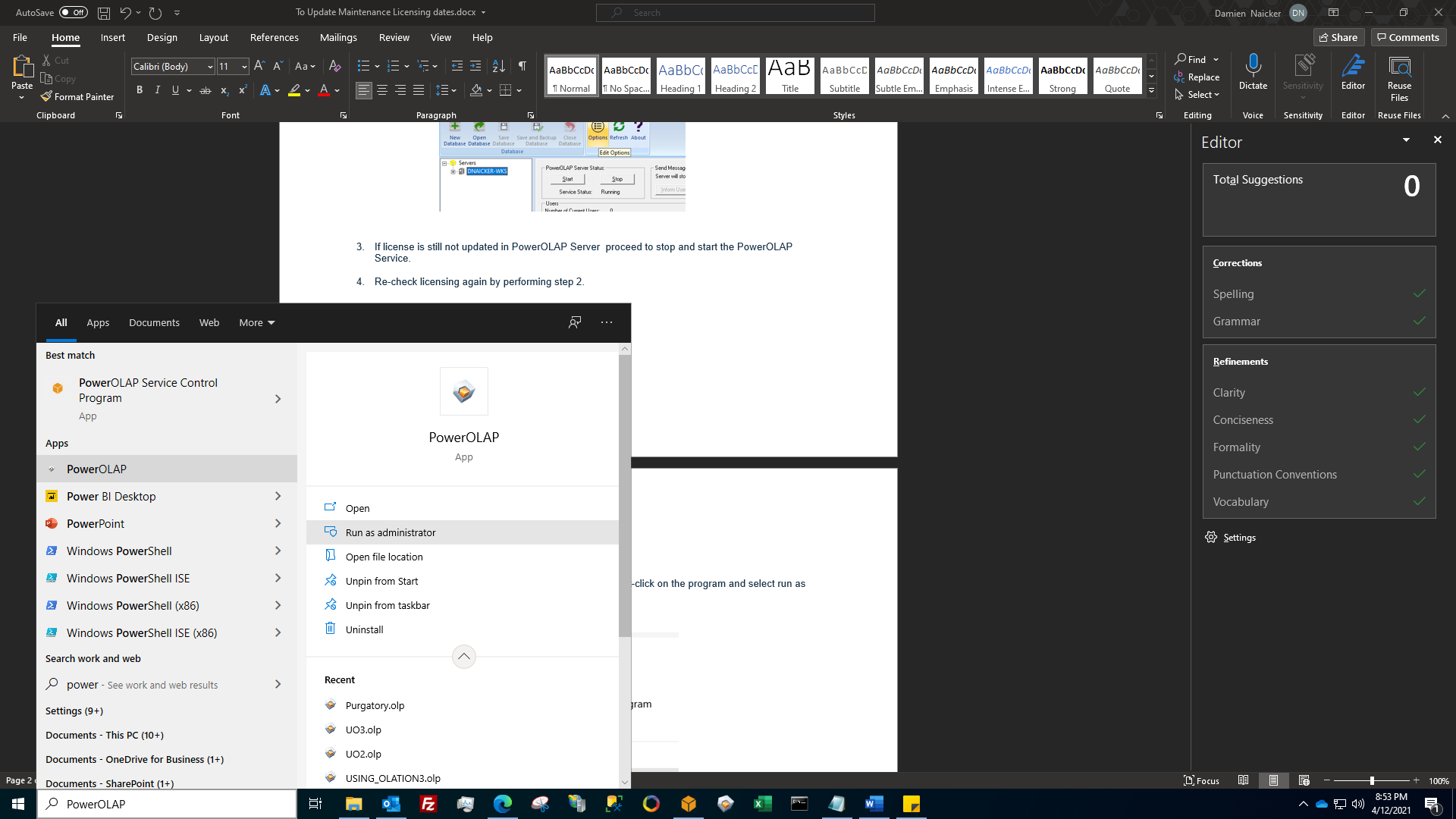
2. Go to the Home tab and click on Options. This will bring up the option dialog box

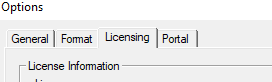
3. Click on the licensing which is the third tab.
4.If license is still not updated in PowerOLAP Client proceed to stop and start the PowerOLAP Service.
5.Re-check licensing again by performing step 2.